GitHub PR previews
Review the pull request in a running app.
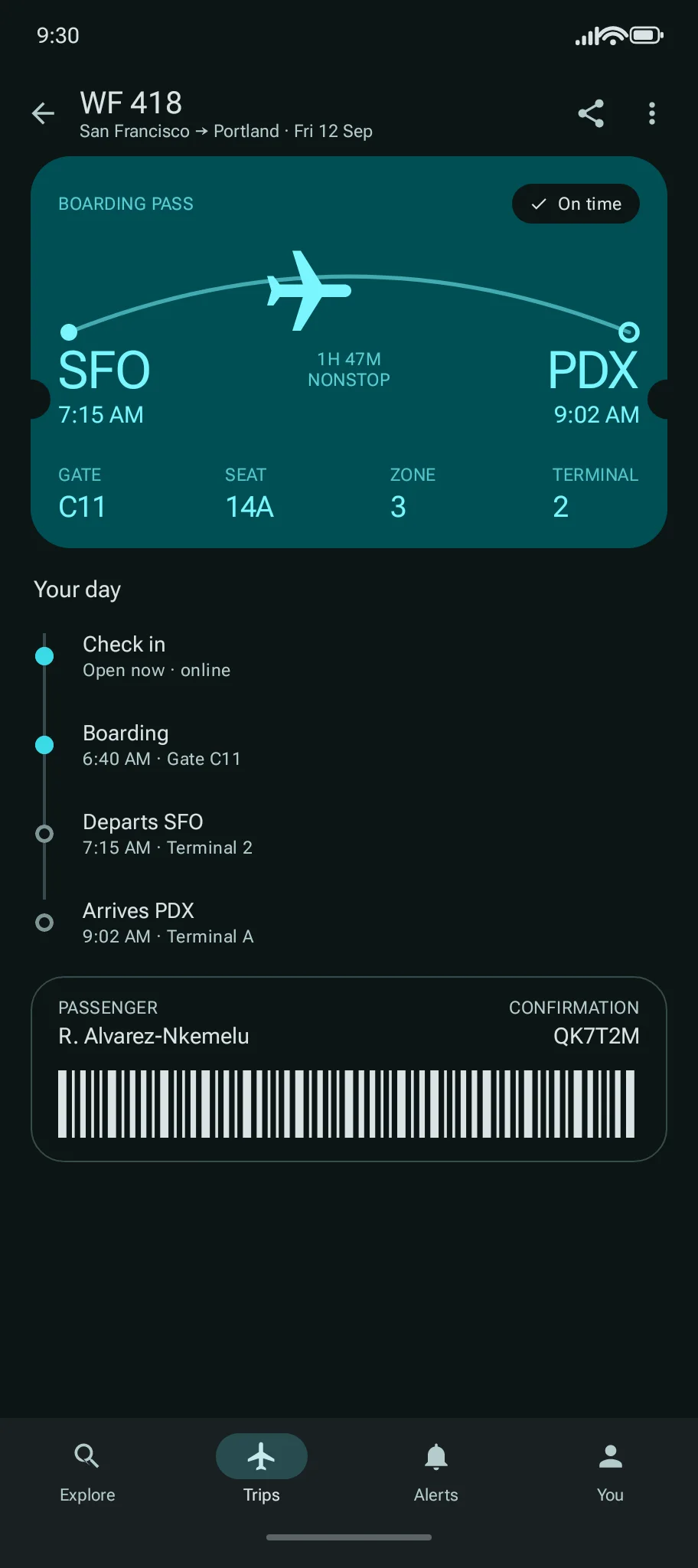
Ramus builds your Android pull request and posts a preview link. Open the app in your browser and try the change before merging.
Sign in with GitHub, select repositories, then enable automatic PR previews. The live sample runs a demo app and needs no account.
How it works
Put the running app beside the code.
Give engineers, QA, and design reviewers a way to check the change themselves. The PR comment tracks the build and links to the preview when it is ready.
Choose your repositories
Sign in with GitHub and install the Ramus GitHub App for selected repositories. Enable Automatic PR previews in each repository you want to build.
Open a supported PR
Ramus detects the project type and builds an APK. Each new commit starts a new build, and the PR shows progress and failures.
Try it before merging
Open a ready preview to start the app in your browser. Reviewers can test the flow without building the branch locally.
Details
Built for your Android project.
Kotlin, Java, Jetpack Compose, Expo, React Native, and Flutter. Ramus detects supported layouts and builds the Android APK. For monorepos, set the app directory in ramus.toml.
Automatic previews build same-repository PRs only; fork PRs are not built. Opening a private PR preview requires GitHub sign-in and repository authorization.
FAQ
Before you start.
Does installing the App enable every repository?
No. You choose which repositories the GitHub App can access, then enable Automatic PR previews in Ramus for each repository you want to build.
Which projects are supported?
Ramus detects Expo, React Native, Flutter, and Gradle-based Kotlin, Java, or Compose apps. The project must produce an installable APK. Monorepos can select an app directory in ramus.toml.
Who can open a private PR preview?
Opening a PR preview requires GitHub sign-in and repository authorization. A watch link is different: if you create one, anyone with that link can control its device.
Are fork pull requests supported?
Not currently. Automatic builds run only for same-repository pull requests, in repositories with previews enabled.
What happens on new commits or PR closure?
Each new commit starts a new build. Closing or merging the PR cancels unfinished builds, expires its ready previews, and ends their sessions. Stored build artifacts are deleted on a separate retention policy.
What if my build needs custom setup?
The build guide covers detection, supported defaults, and ramus.toml. Private dependencies, signing, product flavors, or toolchain requirements may need project changes. A build that succeeds locally can still fail on Ramus.
Make the next review hands-on.
Sign in with GitHub, select repositories, then enable automatic PR previews.