For coding agents
Give your AI coding agent a cloud Android emulator.
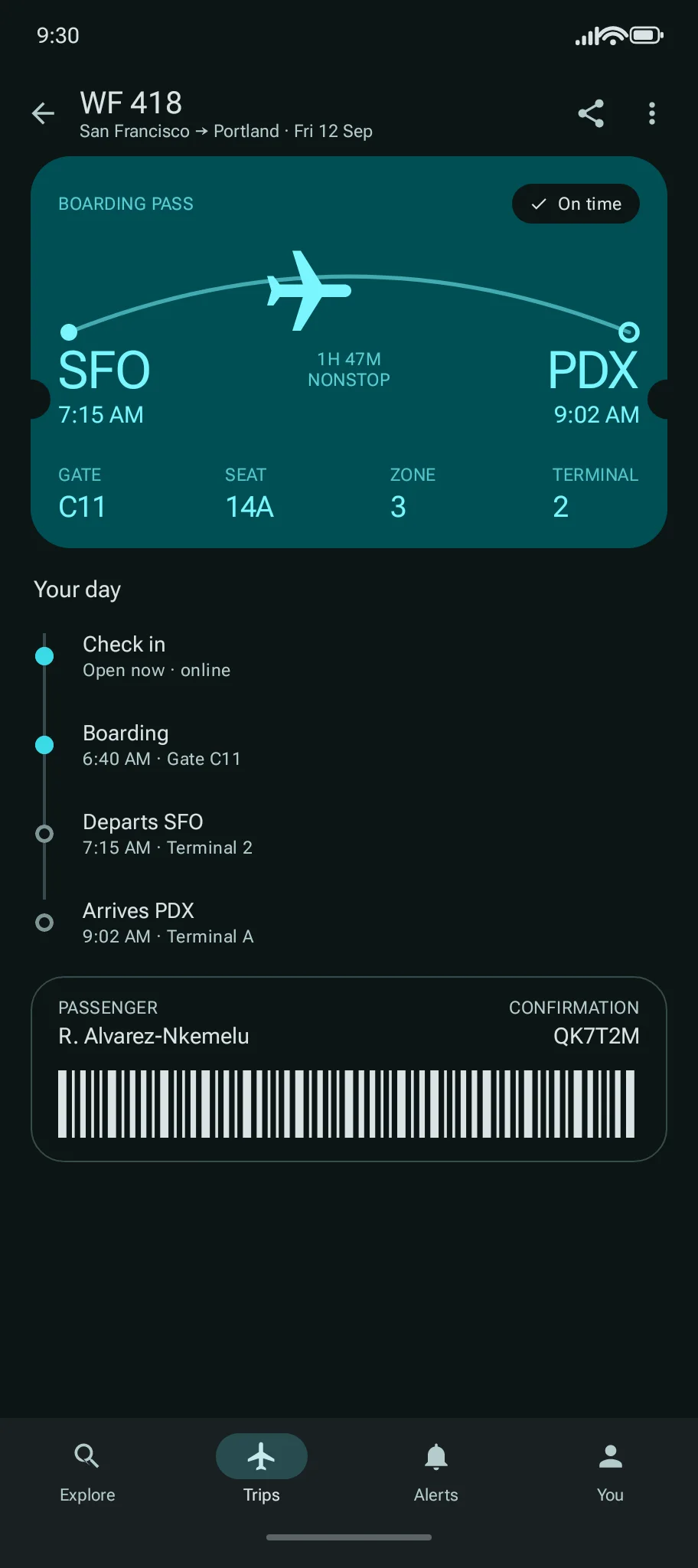
Yes—Codex, Claude Code, and other coding agents can run your APK, inspect its UI, tap, type, capture screenshots, read logs, and hand the live Android device back to you in the browser.
The CLI trial needs no account. You need Node.js 22+, network access, and a built APK. The live sample runs a demo app and needs no account.
How it works
Check what the code actually does.
Give the agent a specific flow to verify, then review what it saw and the screenshots it took. You can use the same device while it works.
Give it the prompt
Paste the prompt into Claude Code, Codex, or another agent with terminal access. Point it at your APK and the flow to check.
Let it run the app
The agent starts a CLI trial, uploads the APK, and gets a live Android emulator. Your local build tools still produce the APK.
Watch, test, and review
Open the watch link. Follow the agent's checks, take over when you need to, and review what worked and what failed.
Capabilities
See it. Use it. Verify it.
Ramus gives an AI agent the primitives it needs to test an Android app instead of stopping at the build.
Observe the app
Read the UI tree, find visible elements, and capture screenshots from the running Android app.
Act on the UI
Tap elements or coordinates, type into fields, swipe, press device keys, and wait for the next state.
Verify and debug
Check expected text, read logcat after a failure, relaunch the app, and share the live device with a human.
Details
Start with the CLI trial.
Use ramus-cli when the agent has terminal access, including for local APK uploads, ADB, and hot reload. MCP clients can connect to the remote Ramus MCP server to start supported sessions and inspect or control the device. Local APK upload, ADB tunnels, and the development loop remain CLI-only.
npx ramus-cli trial
npx ramus-cli session start --apk app-debug.apk --wait- Trial credential
- 15 minutes
- Active session
- 1
- APK limit
- 150 MB
- Session idle timeout
- 10 minutes
Up to three trials per IP address per day by default, subject to capacity. Testing an APK needs no local emulator and no GitHub App.
Read or manually copy the prompt
FAQ
Before you start.
Can an AI agent run and interact with my Android APK?
Yes. Give the agent an installable Android APK and it can upload the file through the CLI, start a cloud emulator, inspect the UI, tap, type, take screenshots, read logs, and verify the result. Connecting GitHub is optional.
Does it work with Claude Code and Codex?
Yes. Any agent with shell access can use ramus-cli. Other MCP clients can use the remote MCP server, but uploading a local APK still requires the CLI.
Do I need Android Studio or an MCP server?
No. To run an existing APK through the CLI trial, the agent needs only Node.js/npm and network access. You still need your project's build tools to create the APK.
Can I watch and take over?
Yes. The watch link opens the same device in your browser. Anyone with the link can watch and control the app without an account, so share it only with the reviewers you intend.
What about hot reload?
Local development through adb or ramus dev needs an API key from a signed-in account, local adb, and your framework's SDKs. The CLI trial does not include these tunnels.
Give your agent a device.
The CLI trial needs no account. You need Node.js 22+, network access, and a built APK.