How Ramus works
Ramus runs Android apps in hosted emulators that you control from your browser. Upload an APK, start a blank device, or connect GitHub to build pull requests. You can also work from the CLI or hand the device to a coding agent.
Ramus builds the APK
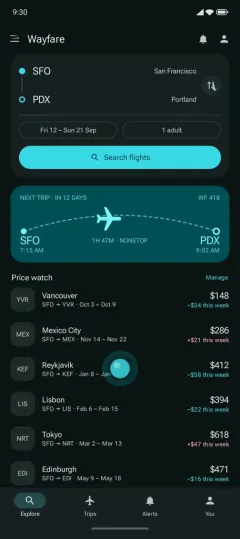 Ramus emulator
Start with an APK
Drop an APK on the dashboard to launch it in an Android emulator. Tap, scroll, type, take screenshots, and read device logs without installing an emulator locally. Follow Test an APK online, or explore browser testing.
Work from your tools
Use the CLI or connect a coding agent to start devices and drive apps from your development workflow. See Agents and CLI, or give your coding agent an emulator.
Review pull requests
Install the Ramus GitHub App and enable automatic previews for a repository. Ramus then builds supported same-repository pull requests and keeps one status comment updated with progress and a preview link. Fork pull requests are not built. See Builds for supported project layouts and configuration, or explore GitHub PR previews.
Keep working or share
The browser viewer connects to a running session. Leaving the page disconnects the viewer, but the session can stay available until you end it or it times out. A share link lets someone else open the same device without signing in. Read Preview sessions for controls and lifecycle, and Security for access and data handling.